

Develop Advanced System Administration Skills Through Structured Learning

Explore the Courses
Shop allLearning Paths Built Around Real Administrative Work
-
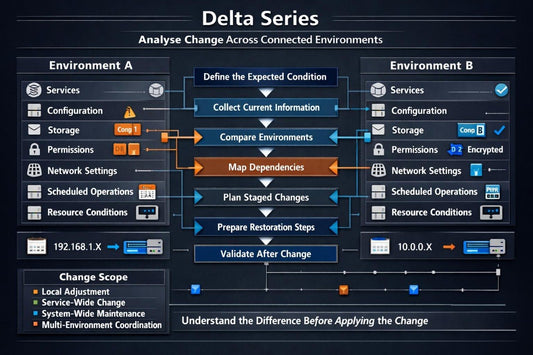
Delta Series
Vendor:OpsarionexorRegular price 2.273,00 DKKRegular price -
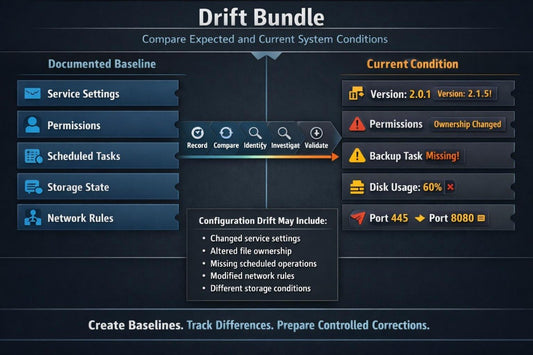
Drift Bundle
Vendor:OpsarionexorRegular price 1.304,00 DKKRegular price -
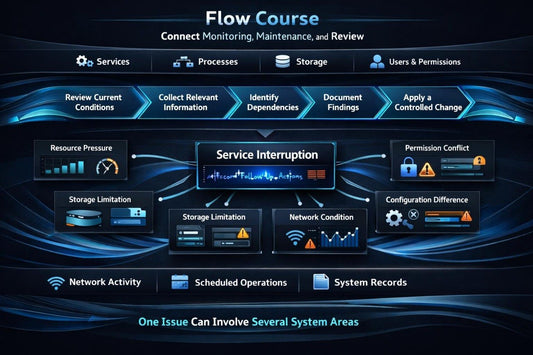
Flow Course
Vendor:OpsarionexorRegular price 1.480,00 DKKRegular price



Begin with a Complimentary Learning Resource
The People Behind the Learning Structure
-

Erik Newman
Server Operations Analyst
Erik is responsible for examining server activity, running processes, scheduled operations, and technical records. He compares current behaviour with documented reference points and records meaningful differences. His role supports careful troubleshooting, maintenance coordination, and clear reporting.
-

Helen Neal
Storage Systems Administrator
Helen oversees storage layouts, mounted resources, usage patterns, and file system organization. She reviews capacity changes, permission conditions, and scheduled storage tasks. Her work supports structured maintenance planning and clearer understanding of long-term storage behaviour. -

Isla West
Automation Operations Engineer
Isla designs and reviews automated administrative workflows for recurring system tasks. She documents task sequences, checks scheduled operations, and evaluates recorded results after execution. Her work focuses on making routine technical processes clear, repeatable, and easier to review.


Build Stronger Skills Behind Every System


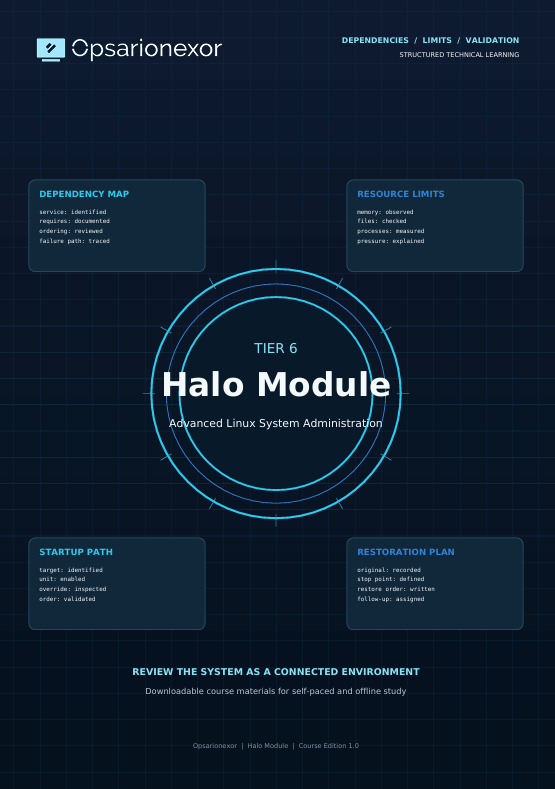
30-days refund guarantee
More Than Lessons: A Framework for Technical Growth
-

Structured Progress
Each tier builds on earlier concepts understanding through clearly arranged modules, guided structured activities, and connected technical topics.
-

Practical Context
Administrative scenarios explain how commands, services, configurations, and system records relate to everyday technical responsibilities.
-

Careful Methods
Learners practise reviewing current conditions, documenting settings, planning changes, and checking results through repeatable processes.
-

Offline Study
Downloadable materials allow learners to study modules, revisit explanations, and complete written activities without being online.


Available on all devices


Created from the Challenges Administrators Meet Every Day
Experiences from the Opsarionexor Learning Community
-

Zoey Stevenson
Zoey began the course while supporting an internal technical environment where she regularly reviewed users, services, scheduled tasks, and storage conditions. The downloadable format and clearly divided modules allowed her to study individual topics and return to detailed sections when needed.
“The course structure made it easier and clearer to revisit one subject at a time and connect it with the wider administrative workflow.”
-

Dominik Ellis
Dominik came with basic command-line knowledge but found it difficult to connect services, permissions, storage, and system records into one administrative process. The structured modules and step-by-step investigation examples helped him organize technical information before making changes.
“The materials gave me a clearer way to review a system, write down what I observed, and decide which area needed attention first.”


